

CloudHedge Transform provides the user with the option of modifying the data that goes into the container. It uses the data gathered from the X-Ray, a part of the CloudHedge Discover module that has been performed on the process.
Using the Transform Platform, the user can currently:
- Edit the Dockerfile used to generate the container
- View the files that will be included in the container and remove/add files and folders
The Edit Dockerfile feature can be used to:
- Change the base Operating System (if needed)
- Install additional components or developer tools
- Change file/folder permissions
And the File Selection feature can be used to:
- Remove files that might not be needed (like log files, temporary files)
- Add certain user-specific content
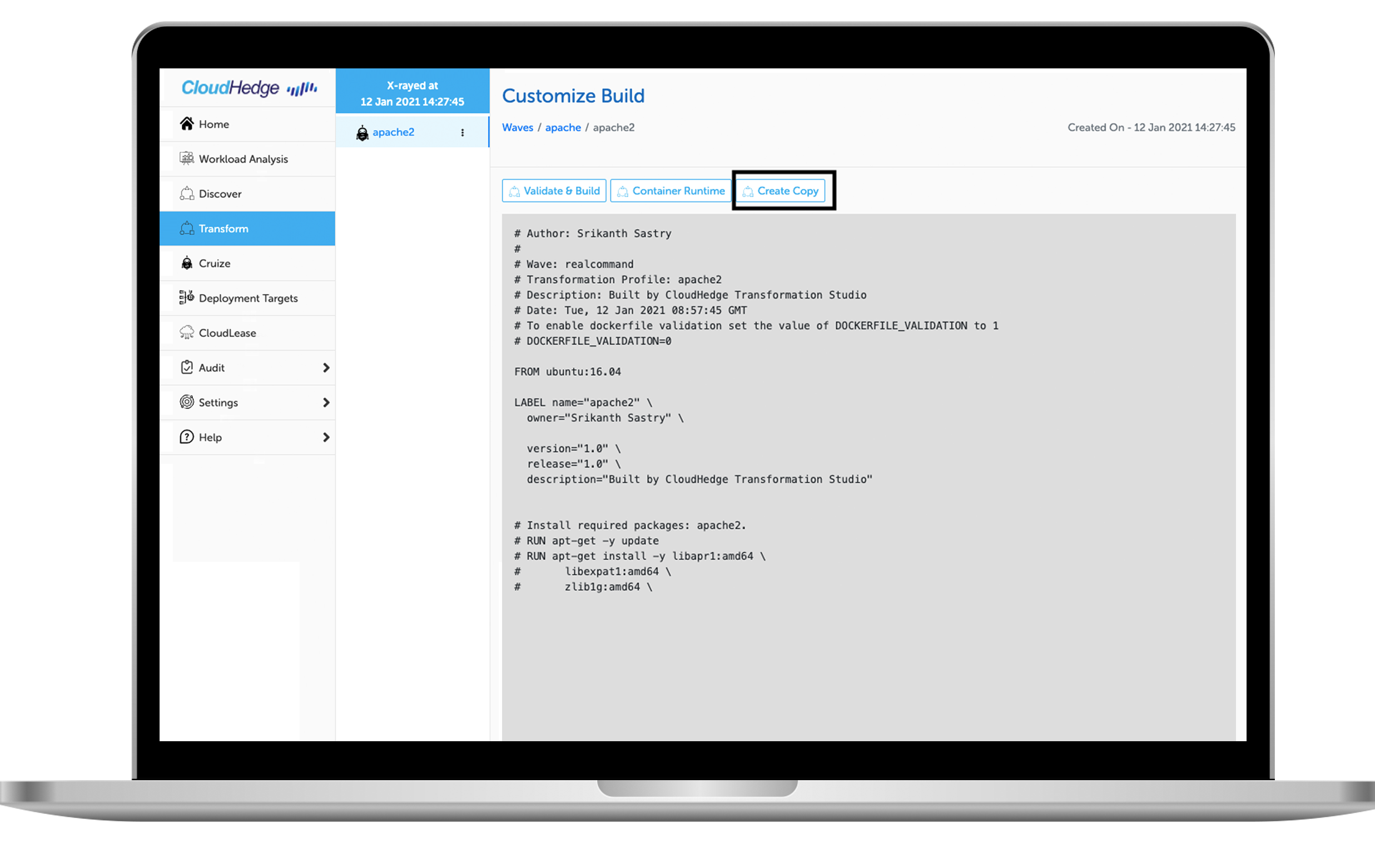
When you are in the Transform window for your wave, you will see the various processes. The Customize Build option provides the user access to the Transform Platform. In the Customize Build screen, you will see the base profile that is generated during the X-Ray process. This cannot be modified, but the user can create a copy of the base profile. And in the copy, you will have access to the Transformation tool.
In the Copy, you will be able to perform all the operations mentioned above.
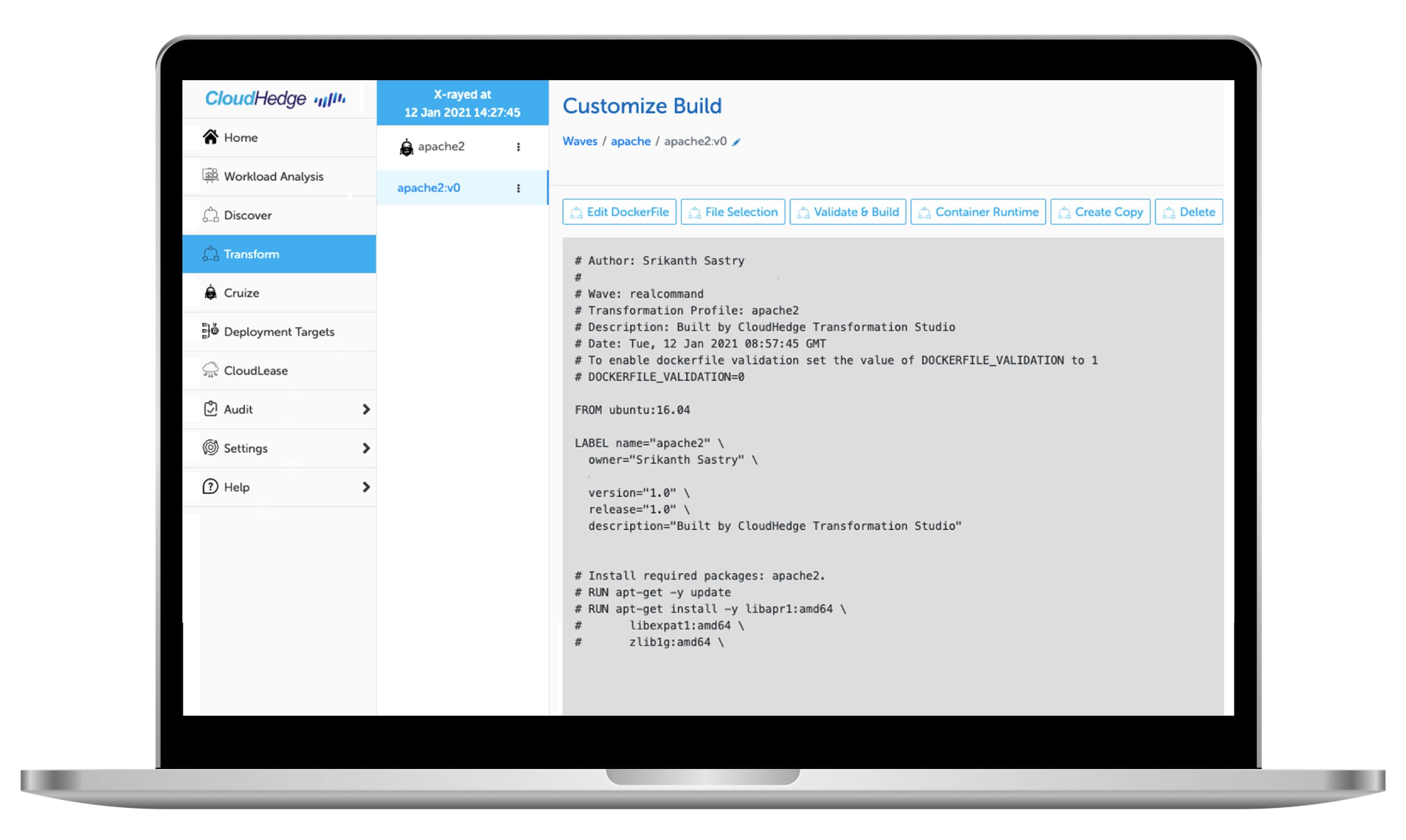
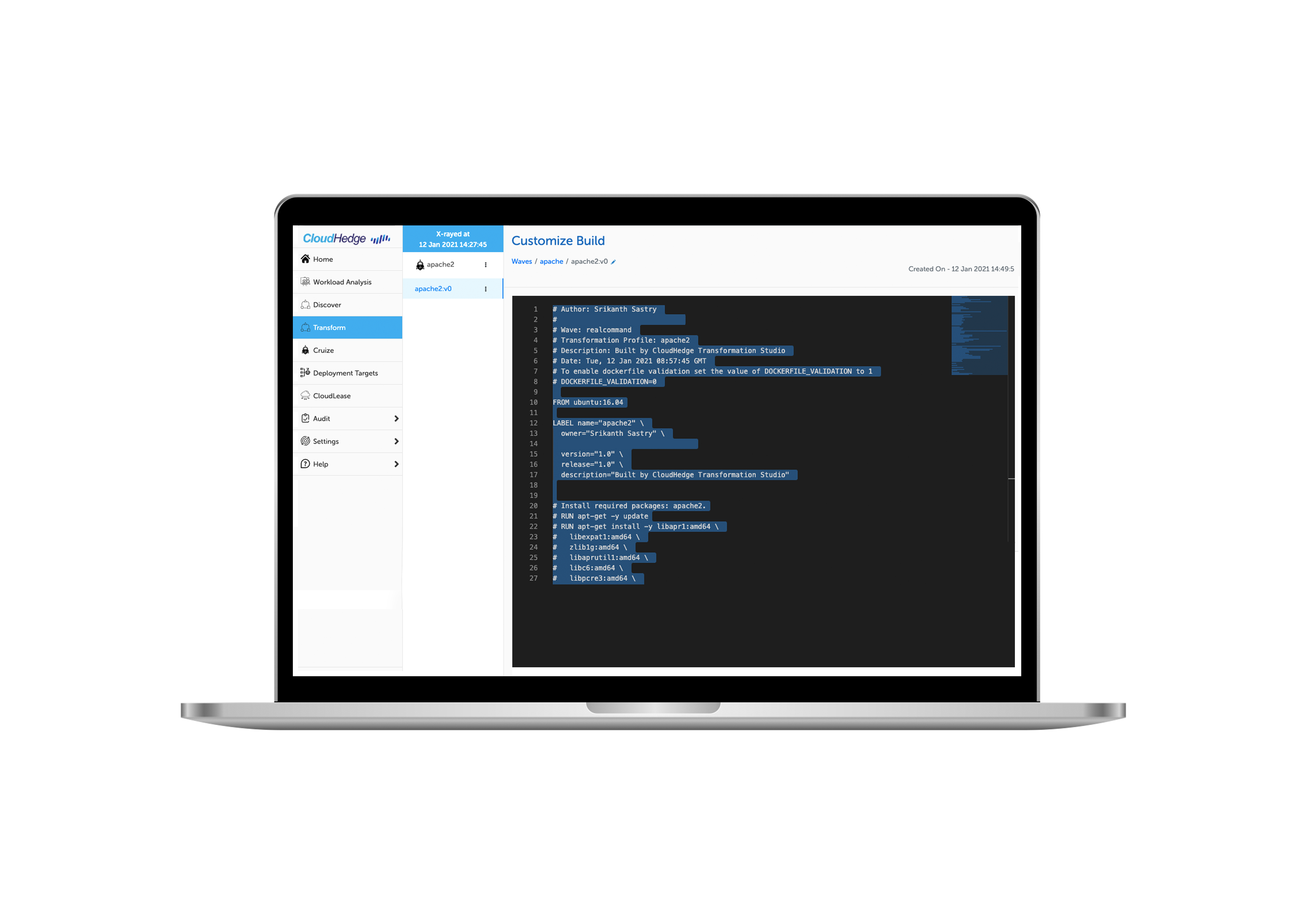
Click on Edit DockerFile to update and save it.
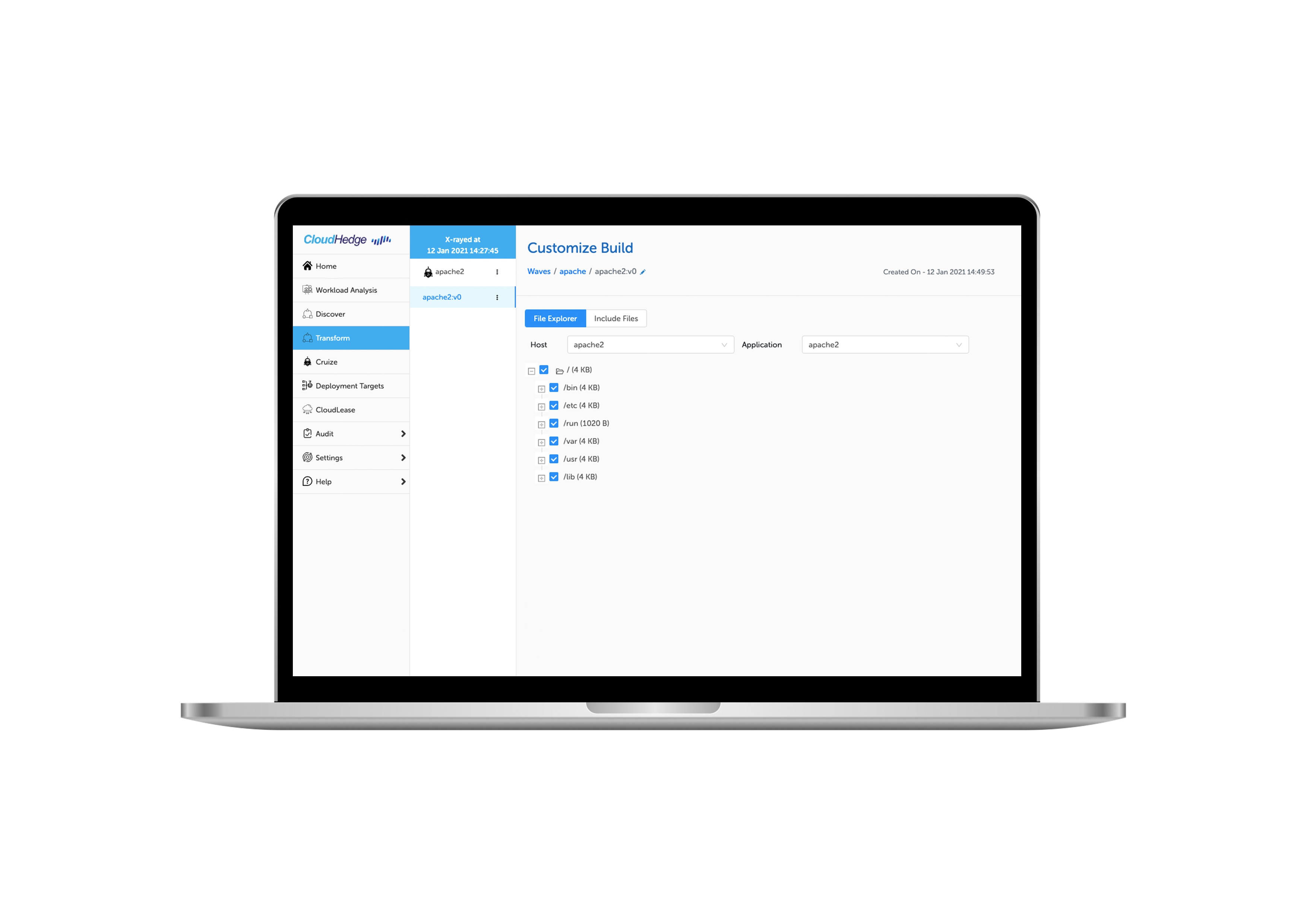
Click on the File Selection and you can view the files that will be added to the container, as well as have an option to add files or folders from the node.
This exciting new feature provides more control to the user to customize their containers. They can create multiple copies of the base profile and experiment with the copies. They can also create a copy of a copy in order to build on something they started earlier.